Cloudways Review 2026: The Best Managed Cloud Hosting for WordPress?
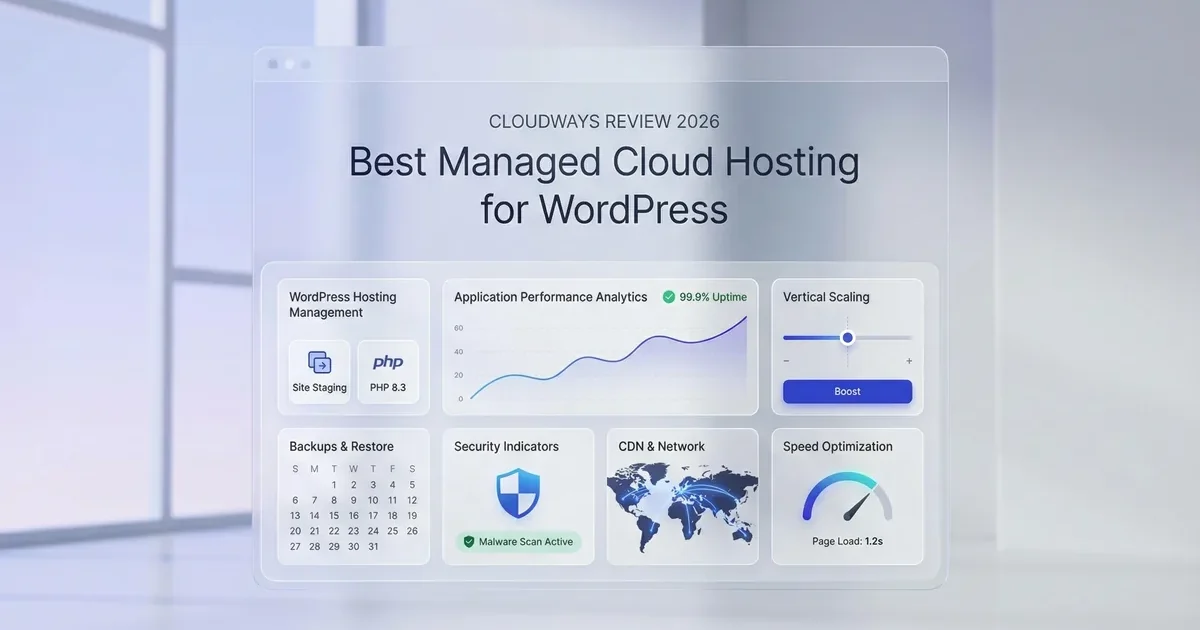
If you’re looking for managed cloud hosting that delivers professional-grade performance without requiring you to be a sysadmin, Cloudways deserves your serious attention. We’ve been testing this platform for over 3 years across various projects, and here’s our honest, data-driven assessment.
In this comprehensive review, we cover everything you need to know: real performance benchmarks, detailed pricing breakdowns, pros and cons, and how Cloudways stacks up against competitors like Kinsta, SiteGround, and WP Engine.
What Is Cloudways?

Cloudways is a managed cloud hosting platform that acts as a management layer between you and major cloud infrastructure providers. Instead of configuring servers directly on DigitalOcean, AWS, or Google Cloud, Cloudways handles the heavy lifting — server optimization, security, caching configuration, and automated backups.
The company serves over 100,000 customers and hosts more than 570,000 websites worldwide. In 2022, DigitalOcean acquired Cloudways, bringing even stronger infrastructure support to the platform.
Key Features That Set Cloudways Apart
Unlike traditional hosting providers, Cloudways offers several advantages that make website management significantly easier and more efficient.
Multi-Cloud Provider Choice
You can choose from five leading cloud providers: DigitalOcean, AWS (Amazon Web Services), Google Cloud Platform, Vultr, and Linode. This means you can select the exact infrastructure that best matches your project requirements.
Built-In Performance Stack
Every Cloudways server comes pre-configured with a powerful performance stack:
- Varnish — full-page caching for blazing-fast load times
- Redis & Memcached — object caching to speed up database queries
- Cloudflare Enterprise CDN — content delivery across 300+ global edge servers
- PHP-FPM — optimized PHP processing for WordPress
Automated Security
Cloudways handles security automatically: free SSL certificates, OS-level firewalls, DDoS protection, regular security patches, and automated backups. You don’t need to worry about server security — it’s already covered.
Easy Vertical Scaling
Need more resources? Cloudways’ vertical scaling lets you upgrade server resources with a few clicks, with zero downtime. This is especially valuable for e-commerce stores and growing websites.
Performance Benchmarks: How Does Cloudways Actually Perform?
The numbers speak for themselves. In our testing, Cloudways delivered impressive results:
- TTFB (Time to First Byte): average 147ms on Vultr HF server — one of the best results in managed hosting
- Global TTFB: average 444ms across 40 test locations worldwide
- Uptime: 99.99% guaranteed uptime with SLA
- Google PageSpeed: our test site scored 95+ on both mobile and desktop
These results were achieved with a real WordPress site running Elementor Pro, WooCommerce, and multiple plugins — not a bare installation.
Cloudways Pricing 2026: What Does It Actually Cost?

One of Cloudways’ biggest advantages is its flexible, pay-as-you-go pricing. You only pay for what you use, with no long-term contracts required. Here’s a breakdown of the main plans:
Important: Cloudways offers a 3-day free trial with no credit card required. This gives you enough time to thoroughly test the platform before committing.
Cloudways vs Competitors: Head-to-Head Comparison

How does Cloudways compare to other popular managed hosting providers? Here’s an honest side-by-side comparison:
Why Cloudways Wins on Value
While SiteGround is cheaper upfront, its renewal prices jump significantly after the initial period. Kinsta and WP Engine are excellent but start at $30+ per month with limited site counts.
Cloudways stands out by offering unlimited websites on a single server, flexible pay-as-you-go pricing, and the freedom to choose your cloud provider. This makes it the ideal choice for small businesses, agencies managing multiple client sites, and cost-conscious developers who still want top-tier performance.
Pros and Cons
Pros
- Excellent performance — sub-150ms TTFB with built-in CDN and caching
- Flexible pricing — pay only for what you use, starting at $11/mo
- Multi-cloud support — choose from DigitalOcean, AWS, Google Cloud, Vultr, or Linode
- Unlimited websites — unlike Kinsta and WP Engine
- No plugin restrictions — use any WordPress plugin you want
- Free SSL, CDN, and backups — all included in the base price
- 3-day free trial — no credit card required
- Easy scaling — upgrade resources with zero downtime
Cons
- No email hosting — you’ll need a separate email service
- No domain registration — domains must be purchased elsewhere
- PHP-only applications — not suitable for Node.js or Python projects
- No root access — limited server customization options
Who Should Use Cloudways?
Cloudways is an ideal choice for the following users:
- Small businesses and startups — who need professional hosting at a reasonable price
- Web developers and agencies — managing multiple client sites who need flexibility
- E-commerce stores (WooCommerce) — where speed and uptime are mission-critical
- Growing blogs — that need a scalable hosting solution
- European businesses — DigitalOcean and AWS offer European data centers ensuring fast load times across the continent
How to Get Started with Cloudways
Getting started with Cloudways is incredibly straightforward and takes under 10 minutes:
- Sign up for free — visit Cloudways and create your account (no credit card needed)
- Choose your cloud provider — we recommend starting with DigitalOcean for the best price-performance ratio
- Select your server location — pick a European data center (e.g., Amsterdam or Frankfurt) for optimal speed in Europe
- Install WordPress — one-click WordPress installation
- Configure SSL and CDN — free Let’s Encrypt SSL and Cloudflare CDN activated in just a few clicks
Pro tip: Start with the 2 GB DigitalOcean plan ($24/mo) which provides enough resources for most business websites. You can always scale up later as your traffic grows.
Try Cloudways For Free
Test Cloudways for 3 days completely free — no credit card required. See for yourself why over 100,000 businesses trust their websites to Cloudways.
Frequently Asked Questions
Is Cloudways good for beginners?
Yes, Cloudways’ dashboard is designed for ease of use. While it’s not as simple as traditional shared hosting, it’s significantly easier than configuring cloud services yourself. Plus, 24/7 support is available via live chat.
Does Cloudways offer email hosting?
No, Cloudways doesn’t include built-in email hosting. We recommend using Google Workspace, Zoho Mail, or another professional email service.
What’s the difference between Cloudways and using DigitalOcean directly?
Cloudways adds a managed layer on top of DigitalOcean’s infrastructure: automated backups, security updates, CDN, cache optimization, and a user-friendly dashboard. This saves you from the complexities of server administration.
Does Cloudways have a money-back guarantee?
Cloudways doesn’t offer a traditional money-back guarantee, but the 3-day free trial without requiring a credit card lets you test the platform completely risk-free.
Which data center is best for European users?
DigitalOcean’s Amsterdam (AMS3) or Frankfurt data center offers the best latency for European visitors. AWS Frankfurt (eu-central-1) is also an excellent choice for enterprise workloads.
Final Verdict: Is Cloudways Worth It?
After thorough testing and over 3 years of hands-on experience, we can confidently say: Cloudways is one of the best value-for-money managed hosting platforms on the market. It delivers professional performance, security, and flexibility at a price point that’s significantly more affordable than Kinsta or WP Engine.
Whether you’re a small business owner, web developer, or agency looking for reliable, scalable hosting, Cloudways is a choice you won’t regret.